
Tracking And Analyzing Your Affiliate Marketing Performance
Tracking and analyzing your affiliate marketing performance isn’t just about looking at your monthly income. It’s about understanding where those results come from, spotting what’s driving sales, and figuring out which tweaks will actually boost your income over time. For anyone running affiliate campaigns, especially if you’re just getting started, having a solid grasp on these basics makes scaling and improving your results much more straightforward. In this article, I’ll break down practical methods, tools, and approaches I’ve used and recommend for getting real clarity on your affiliate efforts.
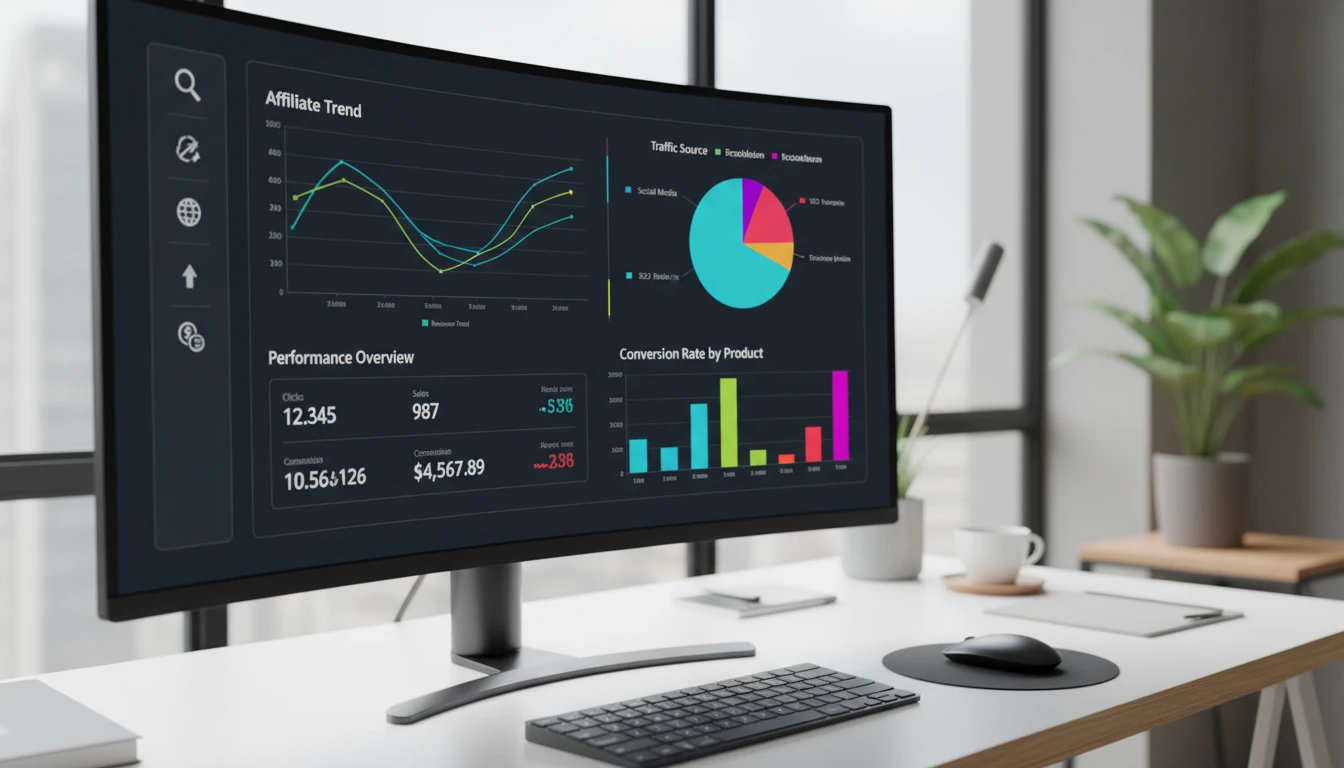
Why Affiliate Performance Tracking Matters
Affiliate marketing is loaded with moving parts. Links spread across social media, websites, email campaigns, and maybe even paid ads. Without tracking, it’s nearly impossible to know which of these efforts are actually bringing in clicks, leads, or sales. Dialing in your tracking doesn’t just show you what’s working; it helps you spot wasted effort and allocate your time to strategies that pay off the most.
Industry data shows that high-performing affiliates are typically the ones who consistently review their numbers. According to Statista, global affiliate marketing spending continues to grow annually. As competition rises, being able to quickly analyze and adapt your strategy is really important for staying ahead.
Having accurate data gives you the insight to make tweaks that matter. Just swapping out a low performing affiliate link or putting more energy into a top converting platform can seriously move the needle.
Foundations: What to Track in Affiliate Marketing
If you’re new to performance tracking, don’t worry. It’s not as technical as it sounds. The main metrics I keep an eye on (and recommend starting with) include:
- Clicks: The number of times your affiliate links are clicked. This tells you how attractive your calls to action are.
- Conversions: The actions you actually want. Usually sales, signups, or leads generated from your affiliate links.
- Conversion Rate: Percent of clicks that turn into conversions. A low rate sometimes means your landing page needs work or you’re targeting the wrong audience.
- Average Order Value (AOV): The average amount earned per sale, showing how much your traffic is spending.
- Commissions: The amount you’re actually making, which reflects the financial success of your campaigns.
Grabbing these numbers regularly sets a solid foundation for measuring progress. Just tracking income doesn’t give you enough info to troubleshoot or grow.
Setting Up Reliable Tracking for Affiliate Campaigns
Getting the right tracking setup can make life much easier and takes a lot of guesswork out of affiliate marketing. Here’s a quick crash course on key methods and tools:
- Affiliate Dashboard Tracking: Most affiliate programs (like Amazon Associates, CJ Affiliate, or ShareASale) offer dashboards that break down clicks, conversions, and commissions. Checking these directly is a good habit, but results are sometimes aggregated and not detailed by source.
- UTM Parameters: These tracking codes get added to the end of your affiliate URLs so you can see where traffic is coming from in Google Analytics or similar tools. For example, you can add a parameter to track clicks from your email versus your blog.
- Link Shorteners with Analytics: Tools like Bitly or Pretty Links not only tidy up your URLs but show you the click counts and even where your traffic is coming from.
- Google Analytics: By using UTM tags, you can see affiliate link performance from all sorts of sources—blog posts, YouTube, newsletters—inside one dashboard. This is super useful for multichannel marketers.
- Third Party Tracking Platforms: Services like Voluum, ClickMeter, and ThirstyAffiliates offer detailed analytics, tracking advanced metrics like user journeys, device data, and geolocation.
Choosing between these options depends on your scale and what you need. For most beginners, affiliate dashboards and Google Analytics with UTM tracking are a great starting combo. If you’re aiming to run lots of traffic or need more detail, third party tracking tools might be worth the investment.
Quick Guide: Building Your Own Affiliate Tracking System
You don’t need an overly complicated approach to keep tabs on your links, campaigns, and performance. Here’s a simple, practical workflow I’ve refined over time that works for both beginners and more seasoned marketers:
- Tag Your Affiliate Links: Add unique UTM parameters or use a link shortener for every separate campaign or traffic source. This way, every click and conversion is clearly attributed and easy to track.
- Keep a Running Log: Maintain a spreadsheet or use an affiliate plugin to record all your live links. Document the campaign, channel, date added, and purpose. Doing this helps you remember what’s running where—and why.
- Schedule Reports: Plan a weekly or monthly review to pull reports from affiliate dashboards, Google Analytics, and your link shortener platform. Block 30 minutes on your calendar and treat it as a routine checkup for your marketing.
- Cross Check Your Numbers: Compare dashboard and analytics data. Sometimes you’ll find mismatches or underreported sales—these could be due to cookie periods, attribution, or broken links. Regular reconciliation helps you keep tracking sharp.
- Act on Insights: When you spot standout performers (or laggards), move quickly. Replace or promote winning links; revise, retest, or retire duds. This is how tracking directly helps increase your results over time.
This repeatable system is easy to follow and lays a reliable foundation for scaling up as you add more traffic channels or affiliate programs. The important part is being consistent and making data-driven updates, not just setting and forgetting your links.
Cautions and Common Tracking Pitfalls
No tracking system is perfect, but knowing what to watch out for can help keep your data clean and actionable. Here are a few frequent pitfalls and some simple solutions:
- Cookie Window Limits: Some affiliate programs only credit sales made within a strict cookie period, sometimes as short as 24 hours. Look up these limits for each program and adjust promotion frequency or urgency in your content accordingly.
- Last Click Attribution Issues: With “last click” models, only the final touchpoint gets credit for a sale. If you’re running multi touch marketing (like a blog, email, and social), you might not see the full impact of your early funnel content.
- Cross Device Gaps: If users browse on one device and purchase on another, your sales might go unattributed. Some affiliate platforms bridge this gap better than others, so check documentation or ask your manager.
- Broken or Outdated Links: Programs sometimes update their URLs or terms, leaving you with dead links. Schedule a regular automated scan (or manually test high traffic links) to make sure you’re not losing commissions to tech hiccups.
Being aware of these traps and staying proactive will ensure your data is reliable and you don’t leave money on the table due to preventable issues. Double check everything periodically and don’t hesitate to reach out for support if numbers don’t add up.
Cookie Tracking Timelines in Detail
Knowing your cookie window is vital. A one day cookie vs a thirty day cookie can change your whole approach. Consider encouraging users to act quickly if you’re working with short durations, or give preference to programs with extended windows if your sales cycle takes longer. This level of detail can make or break monthly performance goals.
Understanding Attribution Models
Don’t assume your most popular content always delivers the most sales. Low conversion rates from high traffic posts might mean your CTAs aren’t strong enough or the offers don’t fit the audience. Experiment with bringing your best performing links and calls to action higher up on the page, or testing different incentives to catch more buyers.
Level Up: Advanced Affiliate Analytics Techniques
When you’ve got the basics running smoothly, it’s time to go deeper and extract extra value from your traffic. Here are strategies that will help you make the most of your affiliate data:
Test and Compare Offers: Run simple split tests by alternating links or offers and tracking which gets the most clicks and conversions. Sometimes, just changing your call to action or button color gives a boost.
Break Down Performance by Audience Segment: Most analytics platforms let you compare traffic and sales by device, country, time of day, or traffic source. Adjust your approach based on where your best buyers are coming from. For example, if mobile users convert better, prioritize mobile friendly design.
Segment Your Tracking: Use unique tracking codes and UTM tags for every content channel, campaign, or traffic segment. This way, you get precision data revealing exactly which networks or posts drive revenue instead of lumping results together.
Real tracking improvements can lead to big differences. Noticing that email subscribers convert better than Instagram followers? You can double your focus—and earnings—by building out your newsletter strategy. Sometimes, the data pushes you to mix things up in surprising and profitable ways.
Case Studies: Affiliate Tracking at Work
There’s nothing quite like real results. Here are two examples from my network that underline the difference active tracking makes:
- Tutorial Content Shines: A blogger noticed with tracking and analytics that detailed “how to” tutorials outperformed general reviews by 40% in conversions. He responded by increasing the output of actionable walkthroughs, growing commissions and boosting audience engagement.
- Audience Insights: Detailed tracking revealed that the top converting readers were tech savvy millennials from the US, accessing the site on mobile. By crafting mobile optimized, fast loading content and targeting offers to that audience, the site’s revenue per visitor increased month over month.
- Revenue Planning: With regular reporting and data review, a friend was able to forecast commissions by traffic source and plan content schedules that matched seasonal buying trends, increasing income and reducing slow periods.
Staying on top of your numbers makes your marketing smarter, less stressful, and way more results driven. You’ll never be left guessing which posts generate sales or why certain channels are your top performers.
Frequently Asked Questions
Here are some answers to common affiliate tracking questions to make life easier:
Q: What’s the best free tracking tool for beginners?
A: Google Analytics, paired with UTM tags, is a top choice. It’s free, versatile, and compatible with most platforms, allowing you to measure results from nearly anywhere.
Q: How often should I check my affiliate metrics?
A: I recommend doing a quick weekly review to look for trends and issues, and a deeper monthly dive to make creative or strategic changes. This keeps things manageable and actionable without being overwhelming.
Q: What should I do about “untracked” sales or clicks?
A: Start by double checking all your affiliate links for typos and accuracy, confirm cookies are working, and manually test links in different browsers. If issues persist, reach out to your affiliate program’s support—managers can often help spot overlooked problems or provide answers directly.
Key Takeaways for Smarter Affiliate Performance Monitoring
Putting a system in place to monitor and improve your affiliate marketing is a top strategy for steady growth. Focus on setting up clear tracking, reviewing your numbers, and taking action when the data points to opportunities or problems. There’s no need for fancy software in the beginning—spreadsheet logs and free analytics go a long way. As your earnings increase, invest in advanced tools and start segmenting and testing for even greater results.
The main thing is to be consistent. As you get into the habit of checking your performance and responding to what you see, you’ll feel more confident and energized about your affiliate business. Anyone can do this, and there’s real power in tracking, learning, and improving every month.
With the right system and just a bit of dedication, affiliate performance analysis becomes your secret weapon for turning content into a long-term, reliable income stream.
Comments
Tracking And Analyzing Your Affiliate Marketing Performance — No Comments
HTML tags allowed in your comment: <a href="" title=""> <abbr title=""> <acronym title=""> <b> <blockquote cite=""> <cite> <code> <del datetime=""> <em> <i> <q cite=""> <s> <strike> <strong>