
Free vs Paid Tools: What You Really Need to Start an Online Business
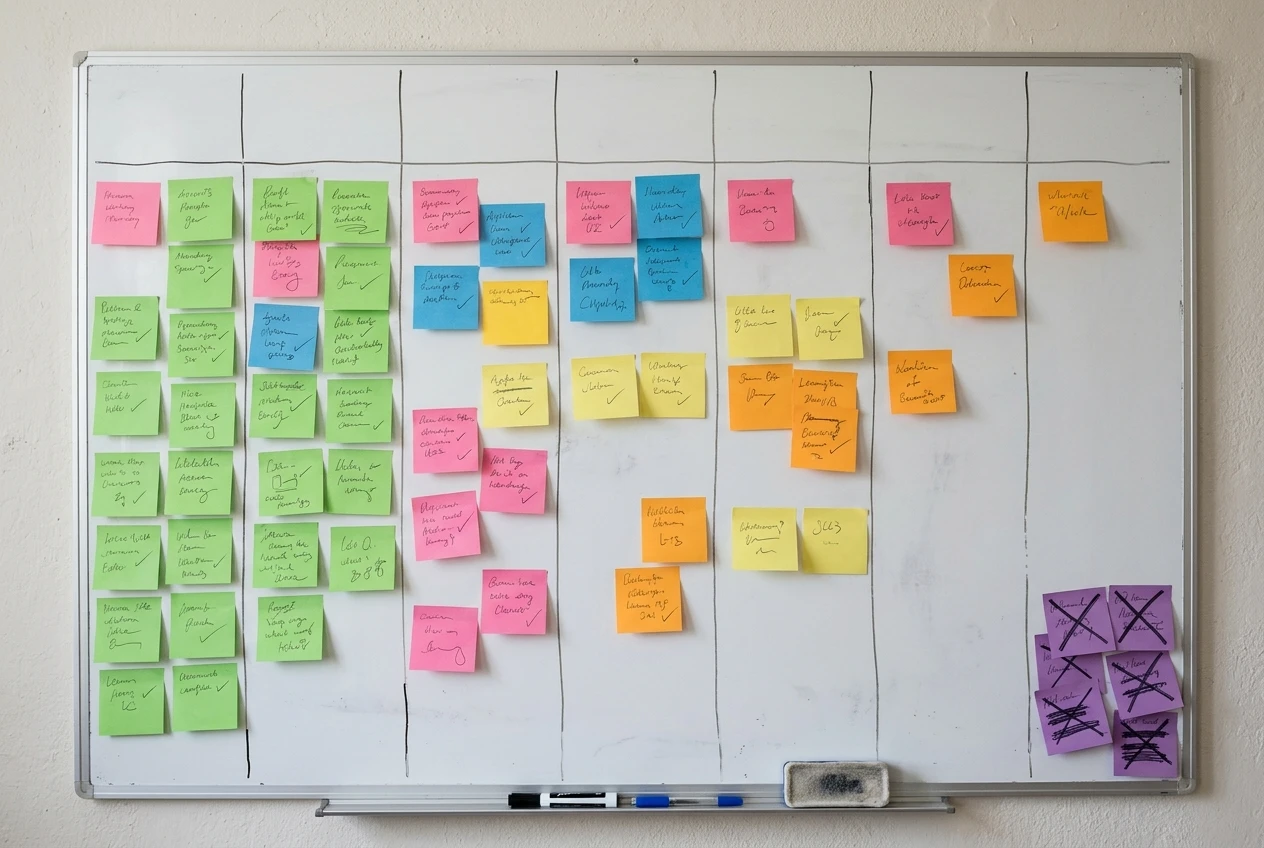
Most beginners who worry about tool costs are really facing an ordering problem. You do not need everything on day one, and a few things you need in week one cost nothing. Sorting the starting kit into three buckets (free, worth paying for once you are underway, and skip for now) shows what your first month needs. For most beginners, that is less than expected.
The starting kit sorted into three buckets: free, worth paying for, skip for now
Here is the short version before the detail.
- Free: idea generation, research, note-taking, early drafts, basic images and learning the fundamentals.
- Worth paying for once you are underway: web hosting, your own domain name and a keyword research tool that fits how often you publish.
- Skip for now: advanced email platforms, paid ads, premium design add-ons, logo packages, scheduling software and extra subscriptions that overlap with something you already have.
The test for each bucket is the same: what stops you from publishing? Anything that does not block publishing your first pieces of content can wait until it does.
What free tools can honestly handle: ideas, research, notes, early drafts and basic images
The early stage of an online business is mostly thinking and writing, and thinking and writing are cheap.
Ideas. Search engines show you what people ask through their autosuggest and “related questions” boxes. Forums and comment sections show what people complain about. A plain notebook or a free notes app is enough to hold what you collect. If you are still deciding what to build, the post on online business ideas you can start this weekend is a good place to compare options.
Research. Looking at what already ranks for a topic costs nothing. Open the top results, note what they cover, and note what they leave out. That gap is your angle. A free spreadsheet works for listing topics, tracking which ones you have written and recording what you plan next.
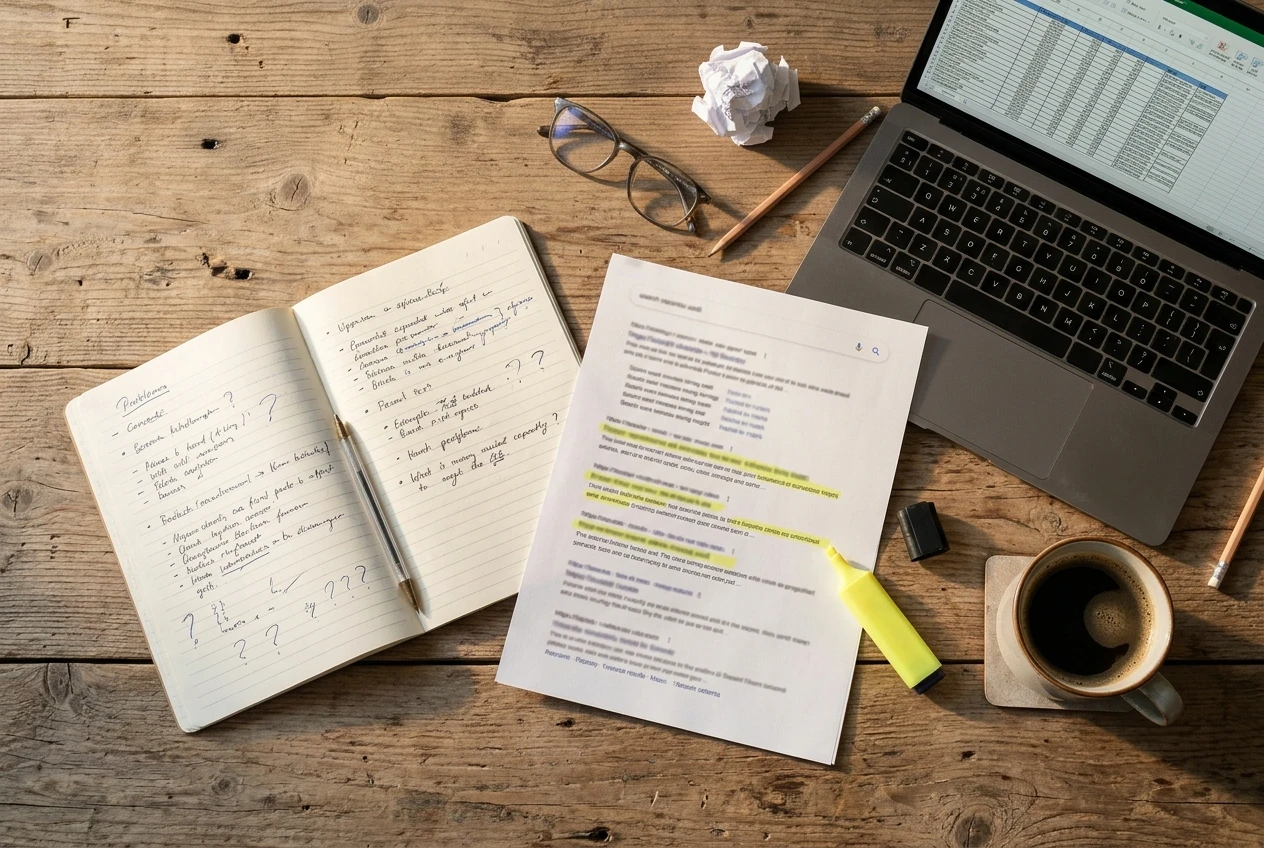
Early drafts. A word processor or a text editor handles drafting. Writing your first articles in a free document also lets you move them anywhere later, which keeps you from being locked into a single tool.
Basic images. Free design tools cover simple graphics such as a header image or a diagram. Check the licence on any image you did not make yourself, because “free to view” is not the same as “free to use on a commercial site.”
Learning. Free tutorials, public documentation and library books teach the fundamentals of how an online business is structured. You can learn how affiliate marketing works before you spend anything. The post on how affiliate marketing works for beginners covers the basic model.
Where free runs out: hosting, your own domain and keyword research
Free tools get you to a point where you have ideas, notes and drafts. Publishing something people can find is where costs begin to appear.
Hosting
A website has to live on a server that stays online. Free website builders exist, and they are fine for practice. Their usual limits are that your address includes the provider’s name, you have less control over the site’s structure, and moving the site later can be difficult. If you are building an asset you plan to keep, owning the site matters more than saving a small monthly amount at the start.
Your own domain
A domain is your web address. Buying one is an annual cost, and the price varies by provider and ending (.com, .net and so on), so check the current price where you buy. A domain of your own makes the site look established and keeps your address the same if you change hosts later.

Keyword research
Autosuggest gets you started, but it will not tell you how competitive a phrase is or how many people search for it. A keyword research tool answers those questions, so you can pick topics where a new site has a realistic chance. This is the tool beginners most often wish they had used from the first article, because choosing topics by guesswork wastes weeks of writing.
These three are the places where spending actually changes what you can do. Everything else in the kit is more optional.
The paid tools beginners buy too early (and why they can wait)
It is easy to buy tools because they seem to belong to a “real” business. Most of these purchases solve problems that do not exist yet.
- Email marketing platforms with paid tiers. Email matters, but the free tier of most platforms handles a small list. Upgrading makes sense when you hit a subscriber or feature limit, and not before.
- Paid advertising. Ads send traffic to a site that has little content and no proven offer. Until you know which pages convert, the money buys data you cannot yet interpret.
- Premium themes and page builders. A clean default theme is enough to publish. Design polish can be added after the content exists.
- Logo and branding packages. A simple text logo works while you find out who your audience is. A full brand identity is more useful once you know your direction.
- Social media schedulers. You do not need to schedule posts on platforms where you have not yet started posting.
- Overlapping subscriptions. Two writing assistants, two design tools and two analytics products rarely beat one used consistently.
- Another course. A new course will not help if you have not applied the last one. Finish one body of learning before buying the next.
If a tool promises to “automate” something you have never done manually, wait. Doing a task by hand a few times shows you what the tool actually needs to do, and then you can judge whether a purchase is justified. For more on this pattern, the post on mistakes new online entrepreneurs make lists several that start with spending.
How to decide whether a tool is worth paying for: a three-question test
Run any tool through these three questions before you pay.
- Is something specific blocked without it? “I cannot publish my site because I have nowhere to host it” passes. “It might make me look more professional” does not.
- Does a free option do this well enough for the next 30 days? If yes, use it and revisit later. Paying only makes sense when the free version actually fails the job.
- Will I use it this week? A tool you plan to use someday is a cost with no return. If you cannot name the day you will open it, leave it.
A tool that passes all three is a reasonable purchase. One that passes only one or two can usually wait. Writing the answers down takes a minute and often cancels the purchase on its own.

A fourth, smaller check helps with anything billed monthly: look at whether it can be cancelled without a penalty, and note the renewal date. A subscription you forget about is a cost that never gets evaluated.
Where Wealthy Affiliate fits: the pieces it puts in one place for a new member
Wealthy Affiliate is one way to cover several parts of the kit without buying each piece separately. It is not the only route, and the three-question test applies to it as it does to anything else. What it offers is a set of the core pieces a beginner needs in one account.
- Learning. Learn holds structured guidance on how an online business works, with Focus areas you can work through at your own pace. Live classes and their recordings sit inside Learn too, so you can ask questions as you go.
- Building a website. The platform is set up for creating and publishing a site, so you can get content online without assembling the technical parts yourself.
- Writing help. Your Writer produces full articles from a brief, so you can see how a structured draft is put together and then edit it into your own voice. Credits are charged at what the work actually cost, and a run that fails costs you nothing.
- Images. Studio creates images for your content, and your Artist makes visuals from a description. If you want to see how that works, there is a walkthrough of Image Studio at Wealthy Affiliate.
- A starting plan. Each Hub has a gameplan made of tasks, which tells you what to do next, so you are not guessing the order.
Which of these are included at which membership level can change, so check what your level covers before you plan around it. The Starter membership is free, which makes it a no-risk way to see the layout and decide which pieces you would use. If you want a broader look at what is available, get started online using the resources at Wealthy Affiliate goes through them.
Your first-week plan: what to set up today and what to leave alone
Here is a sequence that keeps spending close to zero while still moving you forward.
Today
- Pick a topic area you could write about for a few months. If you are unsure, the post on how to start an online business with no experience in 2026 can help you narrow it down.
- Create a notes file and a simple spreadsheet for topic ideas.
- Sign up for a free account on a platform that teaches the basics, so you have a structure to follow.
Days two and three
- List 15 to 20 questions people ask in your topic area, using autosuggest and forums.
- Check the top results for the five most promising ones and note the gaps.
Days four and five
- Write your first draft in a free document. Aim to finish one piece, not to polish five.
- Make one basic image to go with it.
Days six and seven
- Decide where the site will live. If you are ready to publish, this is the first moment a paid hosting plan and a domain may pass the three-question test.
- Check keyword difficulty for your next five topics before you commit to writing them.
Leave alone this week: ads, paid email tiers, premium themes, logo design, schedulers and any second course.
By the end of the week you will have a topic, a list of researched questions, one draft and a clear view of what to pay for first. That is a better position than a folder of subscriptions and nothing published.
Start with the free Wealthy Affiliate Starter membership to see which parts of the kit are already included before you spend anything on tools.
Comments
Free vs Paid Tools: What You Really Need to Start an Online Business — No Comments
HTML tags allowed in your comment: <a href="" title=""> <abbr title=""> <acronym title=""> <b> <blockquote cite=""> <cite> <code> <del datetime=""> <em> <i> <q cite=""> <s> <strike> <strong>